
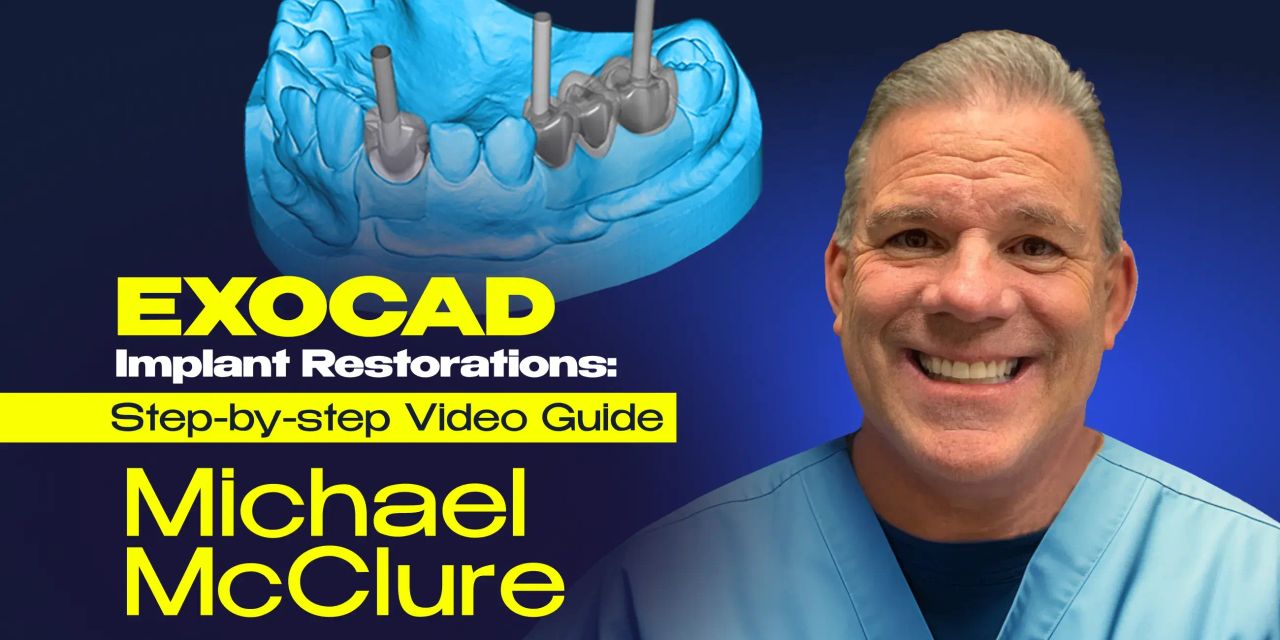
Getting started with EXOCAD Implant Rehabilitation

Michael McClure
Chi tiết khóa học
Giảng viên
Đánh giá
1giờ 6phút
Bài học
Getting started with EXOCAD Implant Rehabilitation
Michael McClureBài học có trong các khóa học sau:
Nhận khóa học này và 1 200 giờ học với Premium.
...mỗi năm
bao gồm những gì
Bài học này
Chi tiết
1giờ 6phút
1 Tín chỉ CE

Tiếng Anh
Quyền xem bản ghi trong thời hạn gói Premium của bạn
Chương trình bài học
– Overview and Introduction to DentalDB
– The basic features and clinical indications
– Formulation of a new project. Materials and parameter setting
– Overview and Introduction to DentalCAD:
- The basic and advanced features for working with DentalCAD
- User interface on EXOCAD. EXOCAD hotkeys and shortcuts
- DentalCAD Wizard mode and Expert mode.
– EXOCAD application in clinical practice:
Designing an anatomic crown
Designing a 3-unit bridge.
Recommended for: Dental technicians, Prosthodontists, Implantologists, General dentists.
Bài học có trong các khóa học sau: