
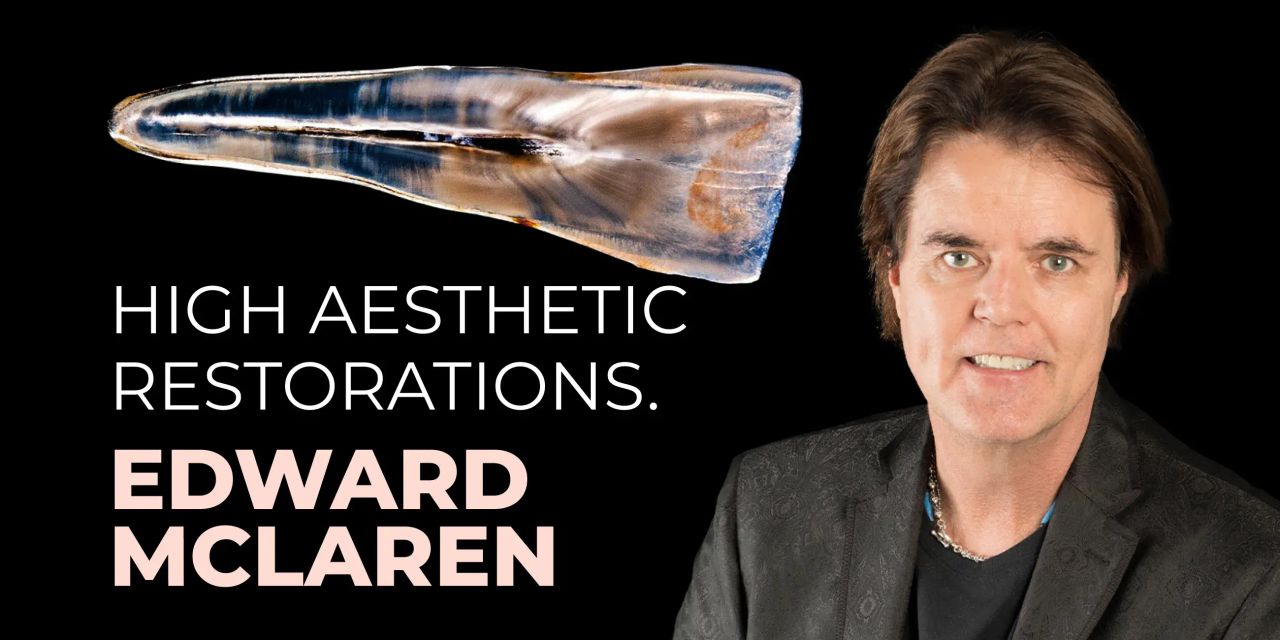
Photoshop for dentists

Photoshop for dentists
Edward McLarenBài học có trong các khóa học sau:

Nhận khóa học này và 1 200 giờ học với Premium.
bao gồm những gì
Bài học này
Chi tiết
2giờ 46phút
2.75 Tín chỉ CE

Tiếng Anh
Quyền xem bản ghi trong thời hạn gói Premium của bạn
Chương trình bài học
– Necessity of photoshop smile design in dentistry
– Clinical cases of smile design
– Photoshop key functions
– Custom interface:
- Bridge
- Layers
- Selectioning
- Retouching
- Dodge and Burn
- Transform, rotation, crop
- Sharpen.
Basics of photoshop: interface setup
– Photoshop interface
– File opening
– Photography interface:
- Reset interface
- Libraries
- Information palate activation
- New workspace creation
- Tools characteristics.
File opening and Bridge
– Images opening
– Adobe Bridge interface.
Working with files in the Camera Raw add-on
– Features of Camera Raw
– Image formats NEF, CR2 and JPG
– Camera Raw interface
– Working with tools:
- Exposure
- Shadows
- Highlights
- White and Black
- Clarity
- Vibrance
- Saturation
- Temperature
- Luminance.
Basics options of Camera Raw
– Editing multiple images at the same time
– Features of work with programm tools
– Images transformation and rotation
– Сropping a photo
– Images zoom in / out
– Moving images.
Layers in Photoshop
– Layers interface
– Panel options
– Image duplication
– Work with «brush» and «pencil» tools
– New layer creation.
Selection in Photoshop
– Layers modifications
– Work with selection tool
– Tooth selection
– Tooth shape and color changing.
Retouching in Photoshop
– Spots visualization
– Image preparing for retouching
– Image simple retouching technique.
Dodging and burning in Photoshop
– Dodge tool settings
– Burn tool setting
– Dodging and burning for smile design.
Rotation in Photoshop
– Images rotation
– Separatly layers rotation
– Crop tool.
Sharpening in Photoshop
– Step-by-step images sharpening techique
– Features of working with sharpening.
Size and save in Photoshop
– Images size changing
– File saving.
Recommended for: Prosthetist, Dental Technician, Orthodontist, Periodontist, Implantologist, Endodontist, Pediatric Dentist, General dentist.
Bài học có trong các khóa học sau: