
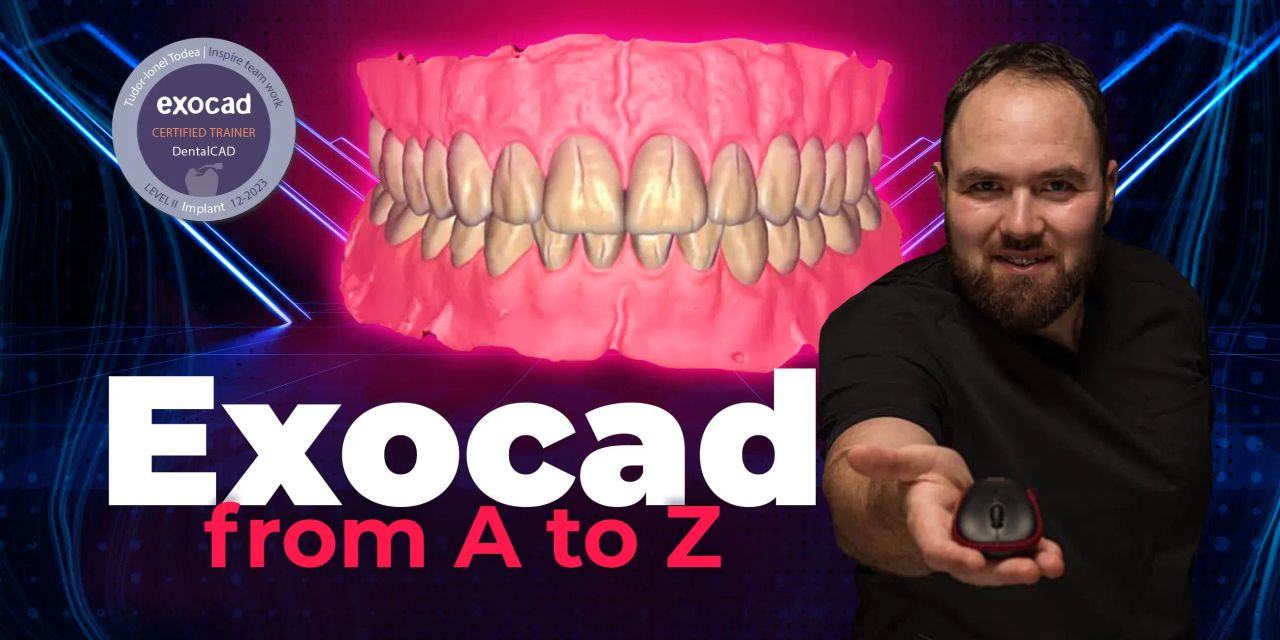
Online school "Exocad from A to Z"

Online school "Exocad from A to Z"
Tudor TodeaKhóa học gồm các bài học sau:
Nhận khóa học này và 1 200 giờ học với Premium.
bao gồm những gì
Khóa học trực tuyến này
Chi tiết
8 bài học + 1 miễn phí (14giờ 3phút)
11.75 Tín chỉ CE

Tiếng Anh
Quyền xem bản ghi trong thời hạn gói Premium của bạn
Mô tả
In this course, you will learn how to design dental prosthesis using Exocad.
After this training, you will be able to:
– Design fixed restorations on natural teeth: anatomical and telescopic crowns, bridges, inlays, veneers
– Design individual abutments; bar constructions and other suprastructures for prosthetics on implants
– Do Digital smile design using a photo
– Design occlusal splints in a digital protocol using a virtual articulator.
The course completely covers all the issues of creating common prosthetic units and is intended for:
– Dentists and dental technicians
– Experienced and junior Exocad users.
Bài học 1.Exocad: modules, advantages, setting
– General review
– Modules
– Compatibility with other programs
– Exocad features. Work algorithms
– Output for printing or milling
– How to make an order
– How to add a new STL-file in exocad in expert mode
– Virtual articulator
– How to create a new STL-file and do whatever you want with it.
Recommended for: Dental technicians, Prosthodontists, Functional dentists.
Bài học 2.Designing onlays, crowns and bridges in Exocad
– Anatomical crowns
– Simple and anatomical caps
– Inlays and onlays
– Press over zirconia crown
– How to add a pontic
– How to make a bridge with reduce module.
Recommended for: Dental technicians, Prosthodontists, Functional dentists.
Bài học 3.Bridge frames and frames based on wax models, veneers
– A 4-units frontal bridge with a reduced crown module
– Virtual articulator
– Output for printing or milling
– How to add a new STL-file in Exocad in expert mode.
Recommended for: Dental technicians, Prosthodontists, Functional dentists.
Bài học 4.Occlusal splint design in Exocad
– How to make a correct order for a bite splint
– Virtual wax-up bottom
– Virtual articulator
– The movements in the virtual articulator
– The thickness of the splint.
Recommended for: Dental technicians, Prosthodontists, Functional dentists.
Bài học 5.Telescopic crowns and overstructure above telescope with anatomic WaxUp
– How to put an implant library in Exocad
– How to make a correct order for telescopic crowns
– How to reduce a structure guided by wax-up
– Cement gap
– How to align the mesh
– Space for acrylic retention
– How to concept a telescopic crown.
Recommended for: Dental technicians, Prosthodontists, Functional dentists.
Bài học 6.Individual abutments design in Exocad
– How to make an order for abutment and crown
– How to copy or mirror a teeth to have the same margin line for the next hybrid abutment.
– The importance of emergence profile and submergence
– How to use a preop to make a correct hybrid abutment
– One step hybrid abutment and crown
– How to make a premill abutment.
Recommended for: Dental technicians, Prosthodontists, Functional dentists.
Bài học 7.TruSmile Exocad module - Smile Design
– How to upload a photo
– Aligning a photo
– Smile Lines
– How to make a wax-up guided by smile lines
– How to make a model.
Recommended for: Dental technicians, Prosthodontists, Functional dentists.
Bài học 8.Bar and overstructure above design in Exocad
– How to make an order for the bar
– Creating a bar
– Changing the segment of the bar
– Use of a preop for bar
– How to add an attachment
– How to make an overstructure by reduced wax-up
– How to add wax-up scans in a wizard.
Recommended for: Dental technicians, Prosthodontists, Functional dentists.
Bài học 9.Thimble substructure and crowns
– How to make an order for thimble substructure and crowns
– How to import a scan
– How to prepare a model
– How to create a thimble with gingiva
– How to reduce gingiva
– Use a preop for thimble crowns
– How to copy a preop for crowns to have the same design like preop
– How to make thimble crowns if you are using an older version of exocad
– How to make substructure thimble and crowns in the same design
– How to use “plain stl” function to create a new stl and a new order for crowns
– Difficulty course: advance.
Recommended for: Dental technicians, Prosthodontists, Functional dentists.
Khóa học gồm các bài học sau: